For Seekers
Find homes that fit your needs.
Share your budget, preferred area and home needs. Compare suitable options and enquire when one feels right.
- Compare homes with match reasons
- Follow enquiries and visit updates
Rent better in Indore
ProRental helps seekers find the right home, owners list properties with ease, and brokers manage authorised rentals — in one connected platform.
Start with your budget, preferred area and home needs.
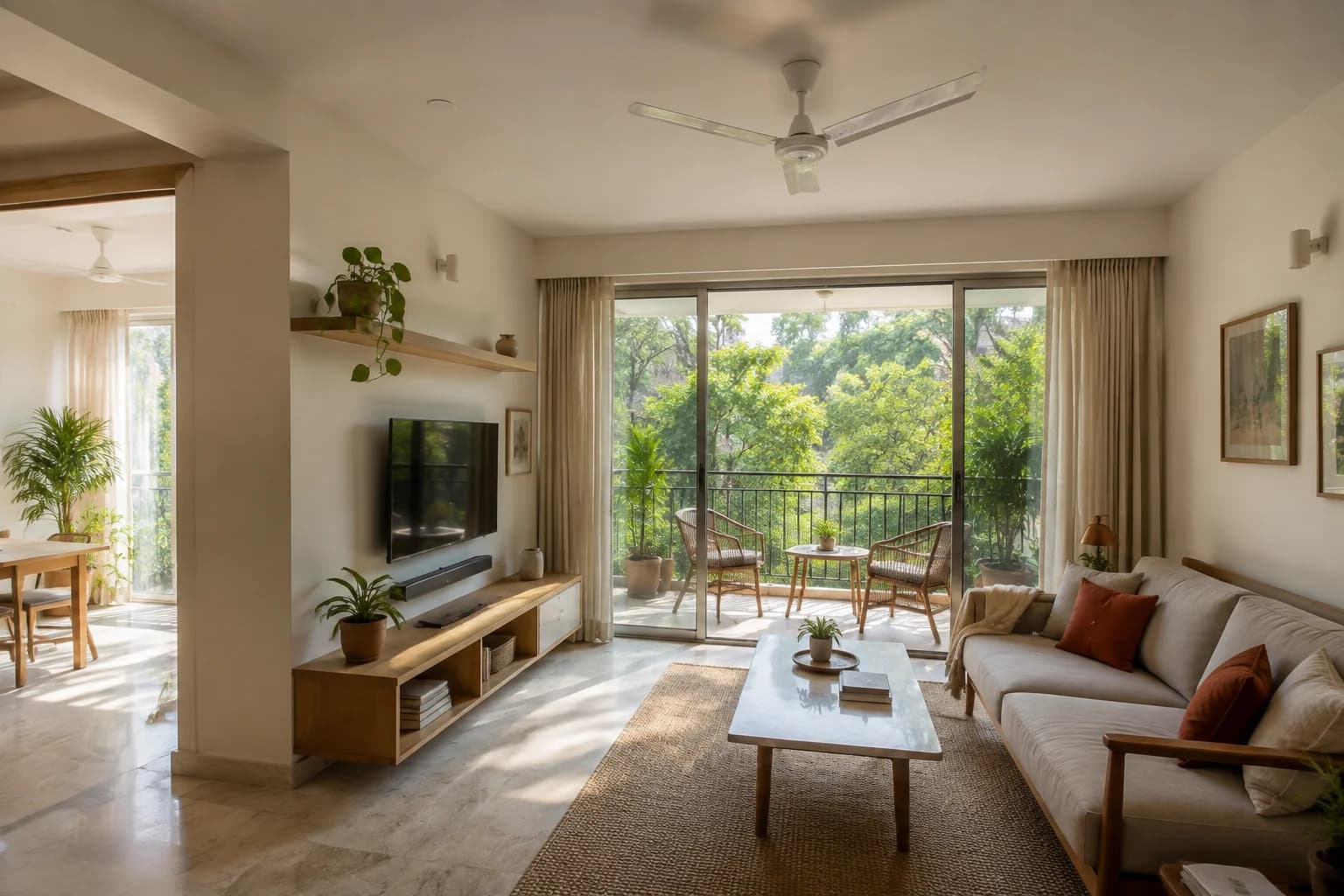 Illustrative Indore home
Set the basics first, then compare suitable homes.
Made for every side of renting
Choose the workspace that matches what you need to do today.
Share your budget, preferred area and home needs. Compare suitable options and enquire when one feels right.
Add your rental, complete the important details and manage enquiries from one clear workspace.
Identify properties, request Owner authorisation and continue the rental journey from one workspace.
Use an account enabled for your role. Owners invited by a Broker can open their invitation link to review the request.
A feel for the homes you can seek
Your preferred area helps shape the comparison. It does not stop other suitable areas from being considered.
Share your requirementIndore discovery preview · Fictional examples and illustrative images, not live listings.
Illustrative exampleVijay Nagar, Indore
₹22,000/month
An example for a search with a budget up to ₹25,000.
Start your search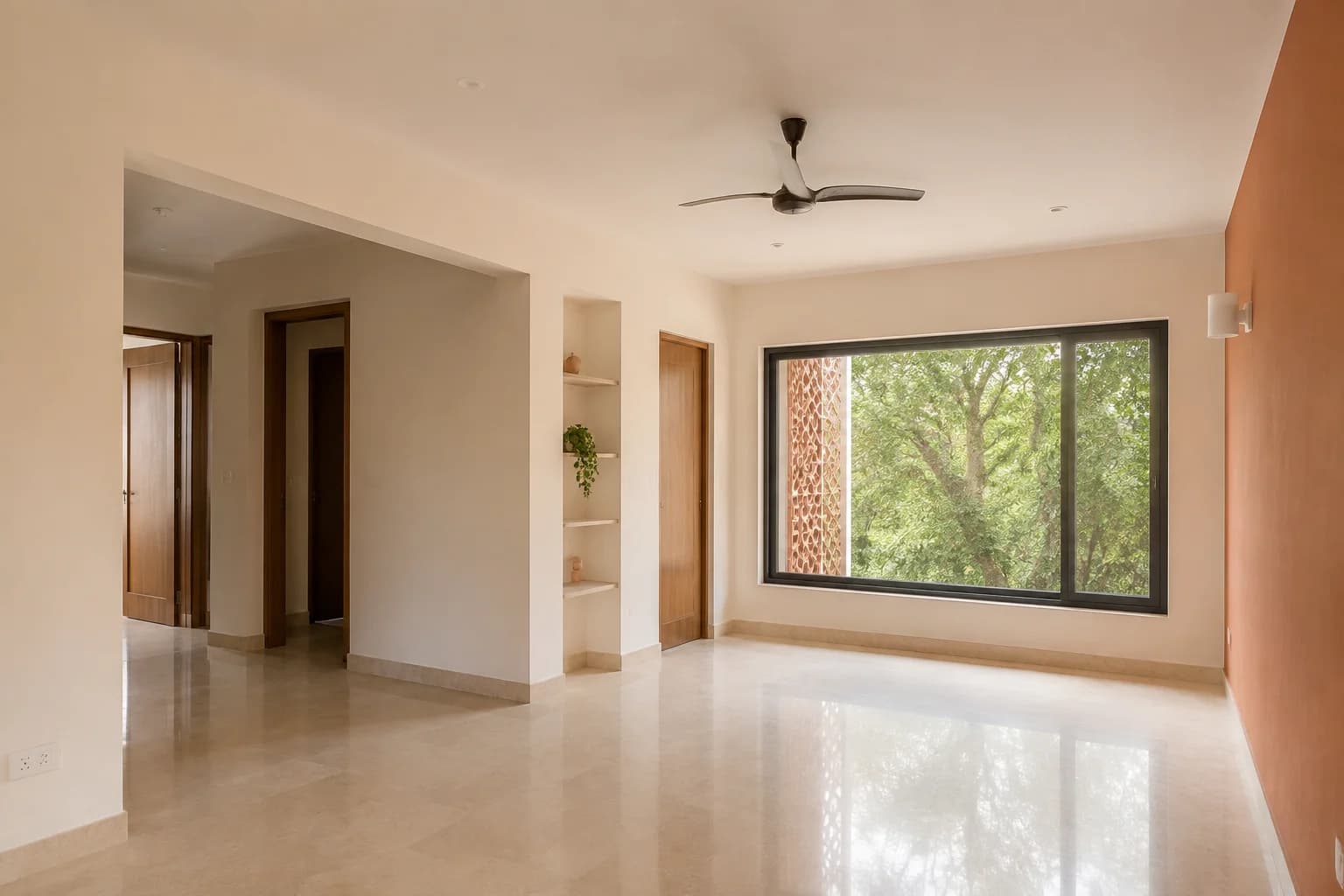 Illustrative example
Scheme 54, Indore
₹30,000/month
An example when an extra bedroom matters.
Start your search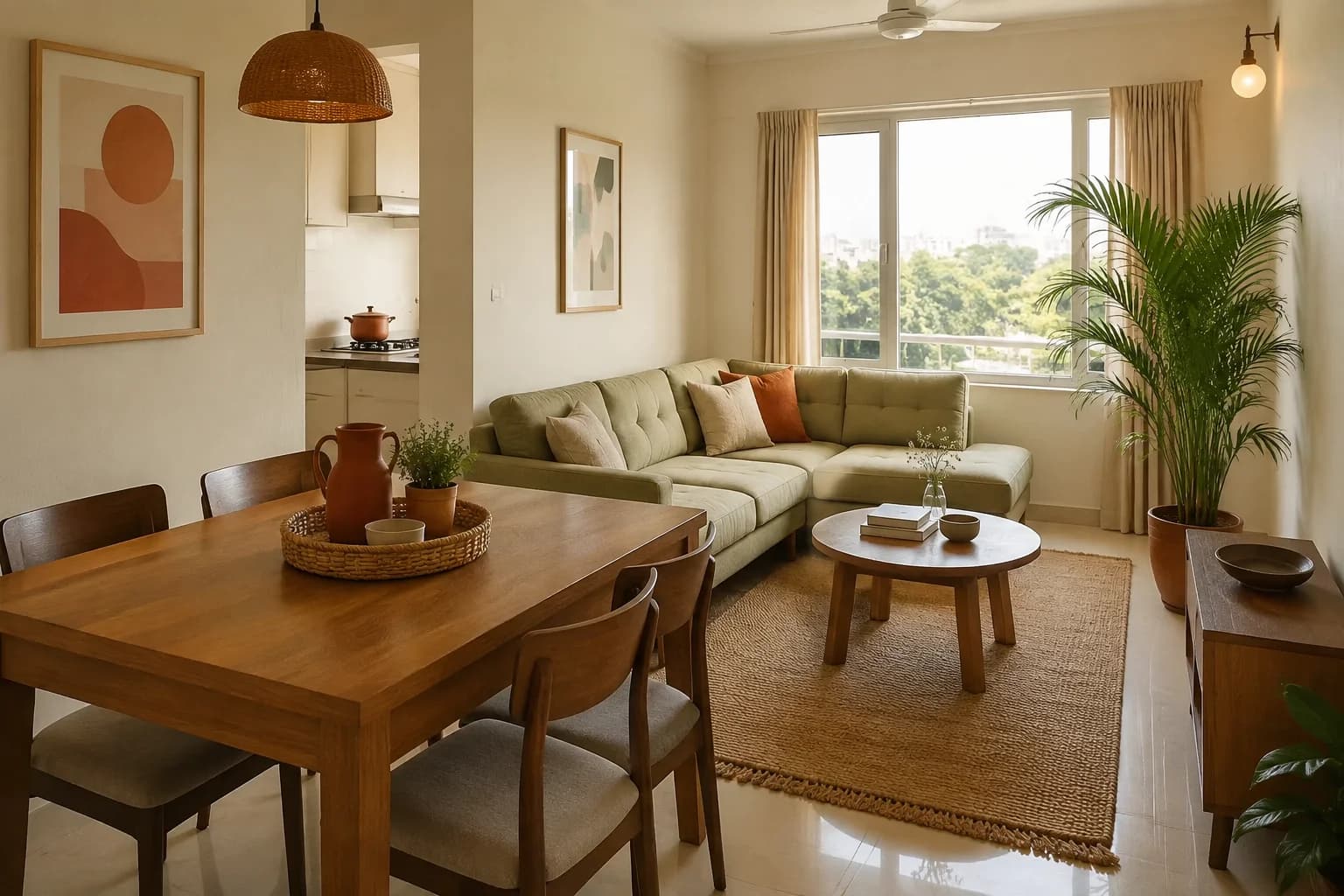 Illustrative example
Nipania, Indore
₹18,000/month
An example for a furnished one-bedroom search.
Start your searchA simple rental journey
Start with what you need. Move forward only when a home feels worth exploring.
Tell us your budget, area and home needs.
See suitable options with simple match reasons.
Send your interest to the authorised manager.
Follow the next steps when a visit is arranged.
Clear by design
Useful rental information up front. Personal details and property authority handled with care.
Compare homes against your saved requirement and understand why each option was suggested.
Enquiries go to the authorised recipient before contact details are shared through the controlled handoff.
Brokers manage properties through authorised relationships; management does not transfer ownership.
Owners and Brokers manage visit actions while Seekers can follow the current visit status.
For Owners and Brokers
Prepare a property, understand what still needs attention, and follow enquiries and visits without losing the next step.
For Owners
Add your property, complete its details and manage interest from your Owner workspace.
Open Owner workspaceFor Brokers
Identify the property, request access and continue from one Broker workspace.
Open Broker workspaceReady when you are
Find a home, list your property or continue as an authorised Broker.